🤖 Power your dev and integration with AI skills for Genymotion!
Genymotion Desktop logo

Genymotion Android Emulator for PC & Mac

Genymotion Desktop is fast, simple to install and powerful thanks to user-friendly sensor widgets and interaction features.
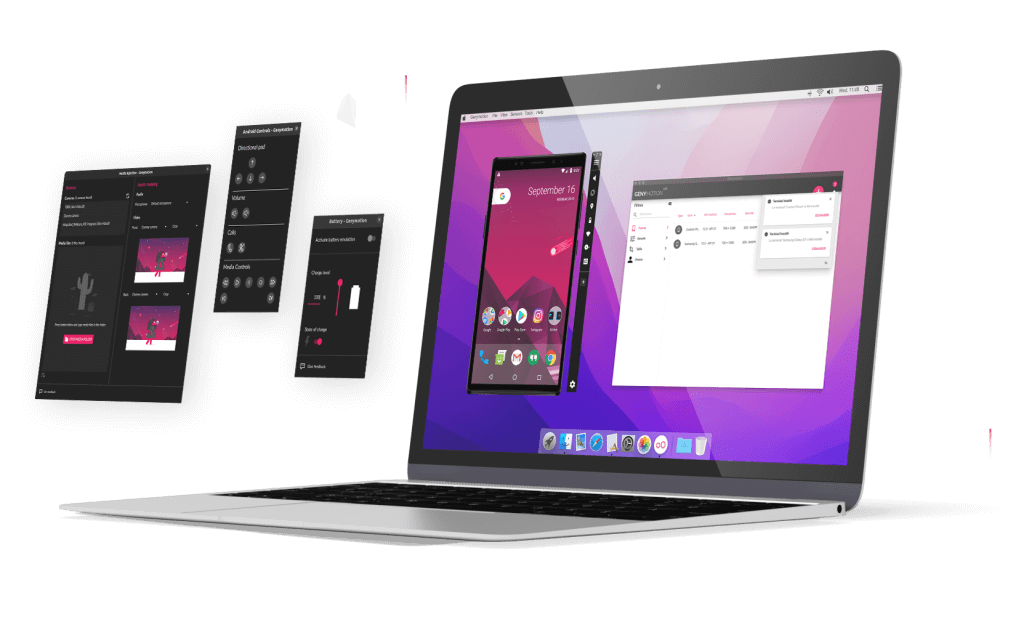
Genymotion Desktop illustration

Create your own device

Over 40 ready-to-use customizable phone & tablet templates with Android 5.1 to the latest sable version.

Multiple Widgets

GPS, Capture, Camera, Media injection, Biometrics and many more! See section below.

Multi OS

Available for Windows, Linux and macOS.

Even better on M-series Macs

With native arm64 images for better compatibility with games and apps, without any ARM translation layers!

Android studio plugin & integration

Compatible with any ADB-based IDE, such as Android Studio.

Use your computer GPU on Android

Full GPU acceleration for best performances.

Emulated Features

Biometrics

Simulate various fingerprint recognition.

PRO

Genymotion Desktop Biometrics widget screen capture.

Webcam

Use your host machine webcam as camera

PRO

Genymotion Desktop webcam widget screen capture.

Media injection

inject media files (audio, video, image) to the device camera

PRO

Genymotion Deskotp media injection widget screen capture.

Routes simulation

Simulate routes with track files.

PRO

Genymotion Desktop GPS Widget Routes simulation screen capture.

Advanced Tools

Quick access the most common Android developer tools.

PRO

Genymotion Desktop Advanced Tools widget screen capture.

Baseband

Simulate information and control related to the network and SIM operators.

PRO

Genymotion Desktop Baseband widget screen capture.

Android Controls

Emulate various Android controls

PRO

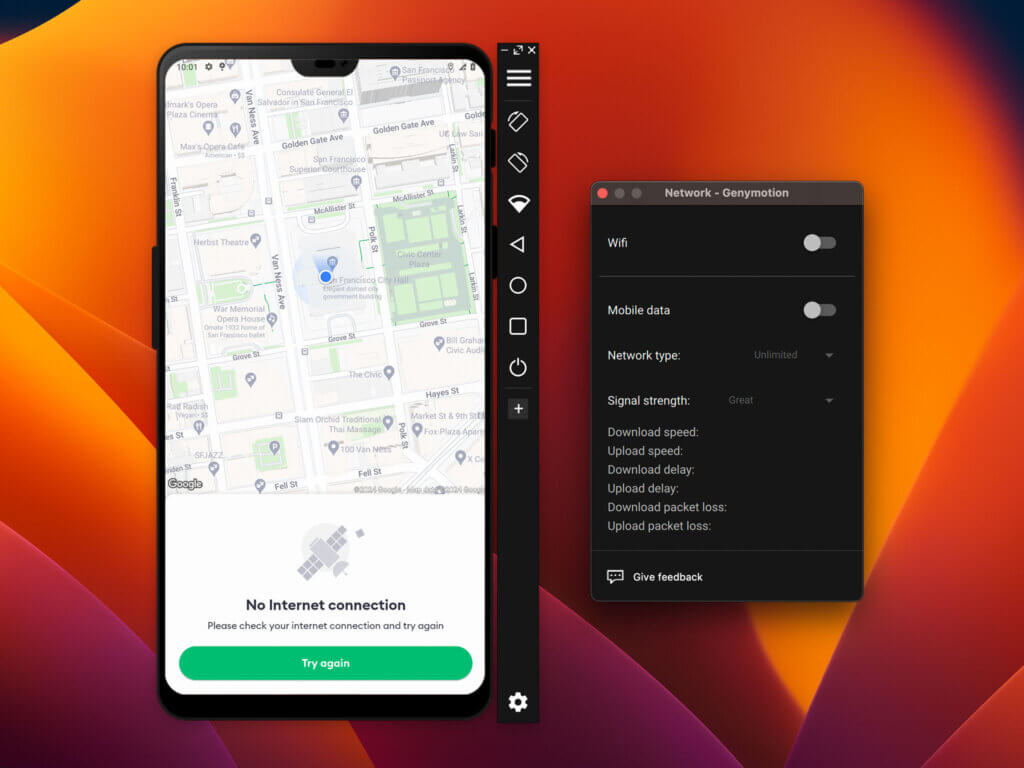
Network Settings

Simulate various network interfaces, types and signal strength.

PRO

Genymotion Desktop Network widget screen capture.

GPS

Emulate GPS

FREE

Genymotion Desktop GPS Widget screen capture.

Capture

Take a screenshot or screencast of the virtual device.

FREE

Genymotion Desktop Capture widget screen capture.

Identifiers

View and edit the device Android ID and Device ID/IMEI/MEID.

FREE

Genymotion Desktop Android identifiers widget screen capture.
Features / Services
Genymotion Desktop Free
Genymotion Desktop Pro
Services
  Technical Assistance
Android
  Latest Android version
Development / QA
  Advanced Dev Tools
  Root toggle
Demonstration
  Capture (Screenshot, Screen record)
Gaming
  Gamepad
Emulated Features
  Media Injection
  Camera
  GPS
  GPS route
  Network settings
  Android Identifiers
  Biometrics
  SIM card (Baseband simulation)
  Motion Sensors
 Android Controls
  Phone (Call/SMS simulation)
  Google Play Store
  Battery
  Storage Speed

Desktop Pricing

Free

Personal Use, Limited Edition
$ 0
No license required*
Free widgets
Pro Widgets
Latest Android version
Best effort Email support
*Select "Personal Use" when launching Genymotion Desktop for the first time. Learn more

Educational

Schools and Students
$ 49
 / year
per student & workstation
Free widgets
Pro Widgets
Latest Android version
Best effort Email support
For students, teachers and schools. Subject to valid proof.

Individual

Freelancer or Self-employed
$ 239 99
 / year
per computer
Free widgets
Pro Widgets
Latest Android version
Best effort Email support
Does not apply to employees, contractors & resellers.

Business

Companies and Employees
$ 479 99
 / year
per user* & workstation
Free widgets
Pro Widgets
Latest Android version
High priority Email support
*Discount for high volumes
*Also available for contractors and resellers.

Premium

for Companies with large teams

All inclusive (widgets, Android versions)
VIP support
License server access: manage your users' licenses
Feature / Service
Free
Edu & Indie
Business
Premium
Widgets & Features
All
All
All
No Ads / No Adware
Latest Android version
Best Effort Technical assistance (email only)
High-priority Technical assistance
VIP Technical assistance with SLAs

Try Pro for free

Try Genymotion Desktop Pro with full features and technical support for 30-days

Frequently Asked Questions

Simply select “Personal Use” when running Genymotion Desktop for the first time.
Please note that the free version has several limitations and technical assistance is not available (see section above).

Android 5.0 to 14.0 are available for free. Android 15.0 is only available with a paying license.
Please refer to this article for more information.

If you wish to continue using Genymotion Desktop for your personal use only, you can switch to the free version by selecting “Personal Use” when prompted after the end of the trial period.
However, you will then have limited features and technical assistance will no longer be available.

Genymotion Desktop has been designed to run on physical workstations: Servers, Virtual Machines and VPS are not supported.

No. Genymotion Desktop cannot run in a cloud instance.
However, we have developed our Genymotion Device Image for Cloud providers product especially for this use.

Reboot your PC and try again.
If this does not fix the problem, please refer to this article from our help center: How to fix “Unable to start a Virtual Device” error?

Google Apps are not pre-installed on the devices. You need to install the openGAPPs package to get Google Play Store and other Google Apps.
See Genymotion Desktop user manual for detailed instructions.

If you can’t find an app or game or Google Play Store, or if it says “Your device isn’t compatible with this version”, it may mean that the app or game is only available for ARM. For more details and instructions, please refer to this article.

An Internet connection is mandatory at first run, to connect to your account and download the Android images when installing a new device.
However, you can then use Genymotion Desktop offline for 15 days; or more if you have subscribed to a Premium plan.


Quickstart Guides / Documentation

Windows Guide
Linux Guide
macOS Guide
Basic Steps
Widgets
gmtool CLI
Scroll to Top

Genymotion Desktop Pro Trial

If you want to test Genymotion Desktop with all features before purchasing a license, we offer a 30-days free trial.

To activate it, follow these steps:

  1. If you already have a Genymotion Desktop account, we recommend deleting it before proceeding. You can delete your account from your Genymotion portal, here.
  2. (re-)Create a Genymotion Desktop account here. You will receive an activation email soon after.
  3. Click the link in the mail to activate your account. You will be redirected to the account confirmation page.
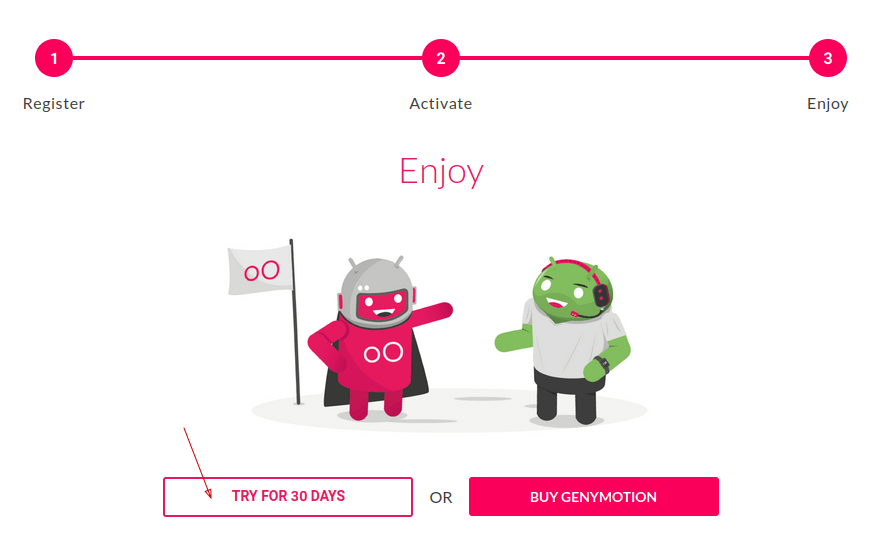
  4. Click TRY FOR 30 DAYS
    Desktop trial activation confirmation page
  5. Select your system and click Download Trial Version to start Genymotion Desktop download and activate your trial. You must re-download Genymotion even if you have already installed it.

    Genymotion Desktop trial download page screen capture.
  6. You will be redirected to the trial confirmation page and download will start:

    Genymotion Desktop Trial activation confirmation.
  7. Follow the instructions from Genymotion Desktop user guide to install and setup Genymotion Desktop, if you haven’t already installed it.

Select Product Portal

SaaS Platform

Access to our SaaS solution and use virtual machines in the cloud on any web browsers.

Or

Or

Desktop Platform

Access to manage your Genymotion Desktop licenses, your invoices and account information.

Contact Sales
- Premium Plan -

Genymotion Desktop Free Widgets

How to get a quote for multiple Business Licenses?

  1. You need a Genymotion Desktop account. If you haven’t one yet, you can create it here.
  2. After creation and activation, or if you already have an account, follow this link.
  3. Add the number of desired licenses to your shopping cart and click “Continue to Billing”
  4. Add a shipping address, or select one if you already created one.
  5.  In the next page, click “Get a quote”:
    Payment details
  6. A quote will be automatically generated in PDF format.

Genymotion Device Image for Cloud providers
- Private Offer -

Genymotion Device On-premise
- Contact Us -

Genymotion SaaS
- Increase Maximum Simultaneous devices -

Genymotion SaaS Enterprise Plan
- Get a Quote -

Genymotion SaaS Premium Plan
- Get a Quote -

Personal Use - Free

Genymotion Desktop for personal use is not suitable for trial or POC: you will not get any assistance and some features will be disabled. If you have already selected “personal use” and wish to get a trial license, please contact our Sales at [email protected].

Technical support is not available with Genymotion Desktop free edition for personal use. For more details, please refer to Genymotion conditions of use (Personal Use).

The following features are not available in personal use mode:

Follow these steps to get Genymotion Desktop and activate personal use mode:

  1. Go to the Download page and get the latest version for your system.
  2. Follow the instructions from Genymotion Desktop quickstart guide to install Genymotion Desktop.
  3. Launch Genymotion and click CREATE to create an account. You should receive an activation email within an hour. If not, make sure to check your spam.
  4. After activating your account, return to Genymotion and log in with your credentials.
  5. Select personal use when prompted.
  6. Read Genymotion Desktop quickstart guide carefully to setup Genymotion for your needs.

Indie Plan Application Form

This plan is strictly reserved to individual workers (freelancers, self-employed).

Educational Plan Application Form

The Educational plan is restricted to:

  • schools, teachers or students who wish to use Genymotion Desktop for tuition
  • students who wish to use Genymotion Desktop for a school project

It is subject to valid proof (student card, teacher card, etc.)

Select a Cloud provider Marketplace